
How to configure an Injection Notes Template
Create a notes template for an Injectables Treatment Profile so practitioners have consistent prompts during consultations.
Where to find the template
Open Settings > Treatment Profiles.
Create or open an Injectables Treatment Profile.
Before you begin
- Prepare the headings or prompts required by your clinic.
- Confirm that you selected the correct Treatment Profile.
- Keep the template focused on information that practitioners should record for this treatment.
Step 1 – Open the Injectables profile
Select the required Injectables Treatment Profile.
Scroll to Injection Notes Template.
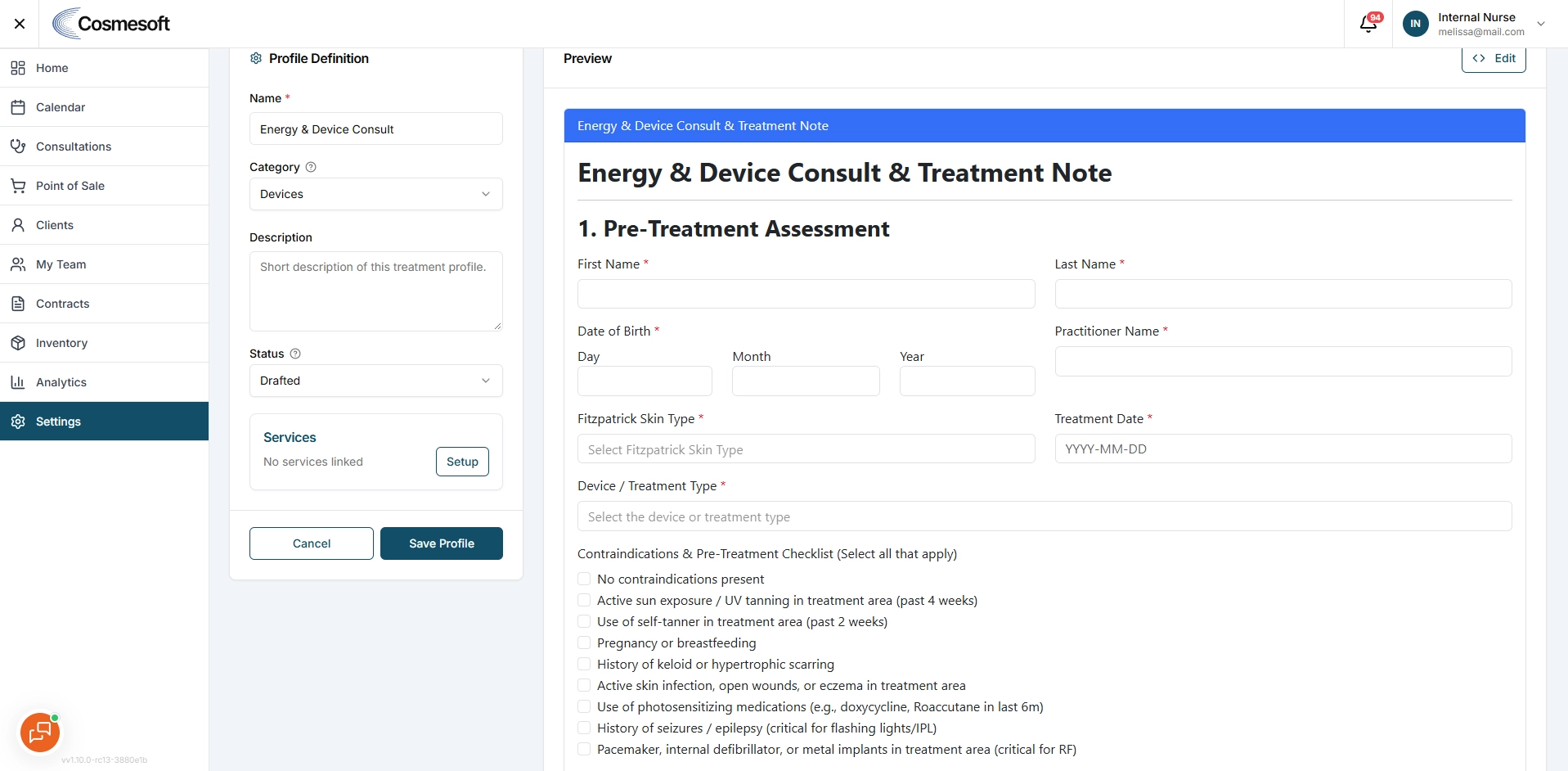
Step 2 – Enter the template
Add the headings, prompts or structure practitioners should follow.
For example:
- Treatment area
- Product and batch details
- Dose notes
- Clinical observations
- Aftercare discussion
Step 3 – Save the profile
Save the Treatment Profile and wait for confirmation.
Step 4 – Test the template
Open a staging consultation that uses the Treatment Profile.
Go to the Injectables notes area and confirm that the template appears correctly.
What to do next
Ask a practitioner to test the template with sample staging data before using it in production.
Related articles
Last updated: 9/24/26, 7:58 AM