
Fix common Contracts issues
Fix common contract issues
Use this guide to diagnose and fix problems with contract activation, commission calculations, and settlements.
Problem 1 — Contract status remains as 'Draft' or 'Pending'
How you recognise it
- The Start button is unavailable or the status doesn't update after clicking.
How to fix it
- Verify Commencement — Ensure the Commencement Date has been reached.
- Check Signatures — Confirm that all mandatory signature requirements have been recorded for all assigned parties.
- Mandatory Fields — Ensure both parties have been correctly assigned and a Commission Schedule has been created.
Problem 2 — Commissions are missing from sales invoices
How you recognise it
- A sale was processed, but the commission calculation did not appear on the invoice or settlement report.
How to fix it
- Check Schedule — Open the contract and verify the service or product sold is specifically included in the active Commission Fee Schedule.
- Check Timing — Ensure the sale occurred on or after the contract's Commencement Date.
- Assignment Check — Verify that the staff member processing the sale is the same party linked to the contract.
Problem 3 — Settlements are not processing correctly
How you recognise it
- The Settlements tab is empty or payouts haven't arrived in the recipient's account.
How to fix it
- Account Verification — Ensure the recipient (staff or business) has a fully verified Payment Account linked in their profile.
- Frequency Settings — Review the Payout tab to confirm the frequency (e.g., Monthly) and the scheduled day.
- Transaction Status — Ensure the underlying sales in the POS have been fully finalised and not left as 'Open' carts.
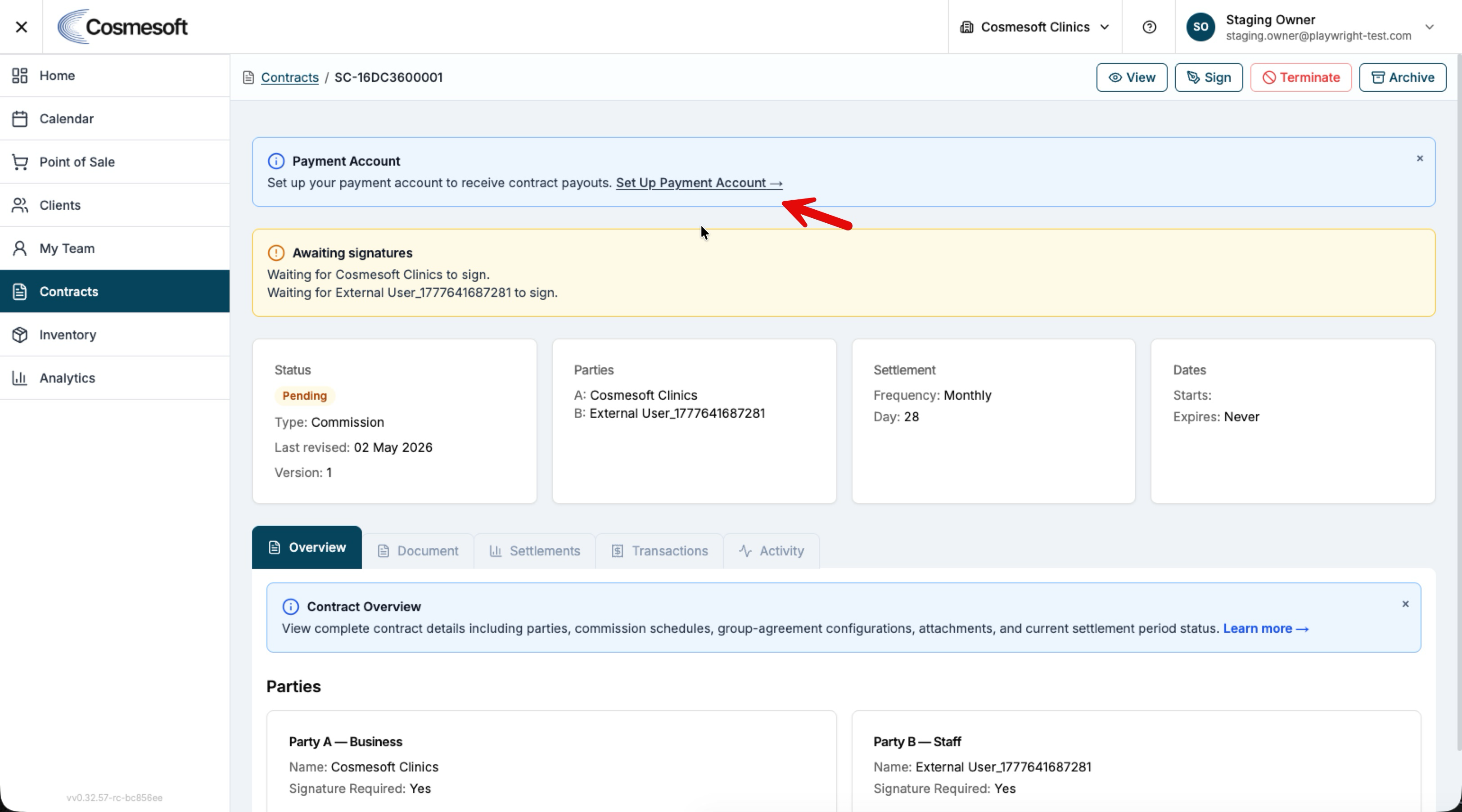
Problem 4 — Cannot edit an active contract
How you recognise it
- Commission rates or dates are locked and cannot be changed.
How to fix it
- Note: Once active, certain financial terms are locked to maintain the integrity of historical reports.
- Solution: Archive the current contract and create a New Version or a completely new agreement to reflect the updated terms.
Still not working?
If the issue persists, gather the following before contacting support:
- The Contract ID or Name.
- A specific Invoice ID where commission was expected.
- A screenshot of the Commission Fee Schedule.
Last updated: 9/1/26, 10:41 PM