
Get Ready to Accept Payments Anytime, Anywhere with 2Hippo 2Pay!
Card Payments Made Easy
Cosmesoft’s integration with 2Hippo 2Pay makes payment collection easier, faster, and more secure than ever. Whether your clients are booking online or paying in person, 2Hippo 2Pay gives you the flexibility to accept payments seamlessly—without needing an EFTPOS terminal!
Cosmesoft offers seamless payment options for your clients, allowing them to pay either online or in-store, using their mobile device or a physical card, all through the 2Hippo 2Pay payment service. All major payment methods, including EFTPOS and Afterpay, are supported ensuring flexibility for your clients.
To ensure full compliance and security, 2Hippo partners with Stripe to manage privacy and payment processing. To get started, simply register your business details and verify your identity with Stripe. Once completed, you'll be ready to accept online booking deposits and other online payments with ease.
Three Easy Options for Payment
With 2Hippo 2Pay, you have three options to accept payments in your clinic—no EFTPOS terminal needed!
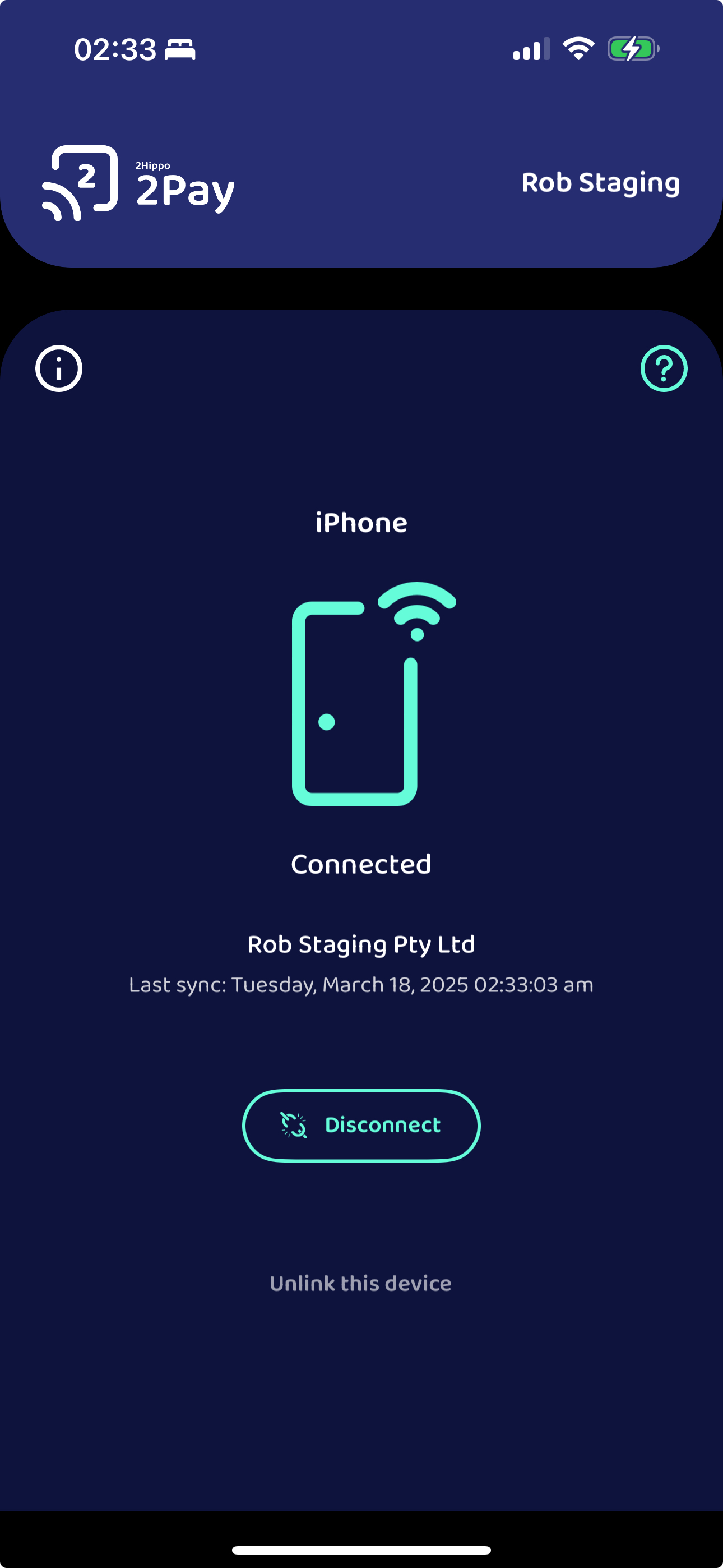
1. Tap to Pay
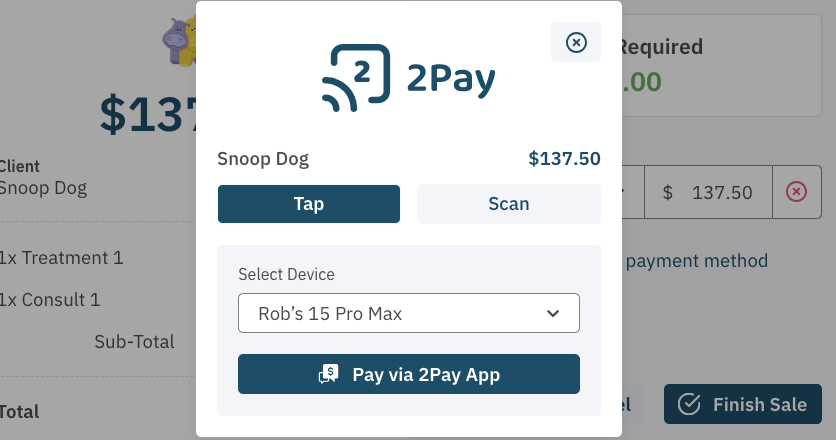
Simply install the 2Hippo 2Pay app on your device and link it to Cosmesoft. Once set up, you can securely accept contactless payments by tapping the client’s card on your phone or tablet. No need for a bulky EFTPOS terminal—everything is done smoothly from your device.
2. Scan to Pay
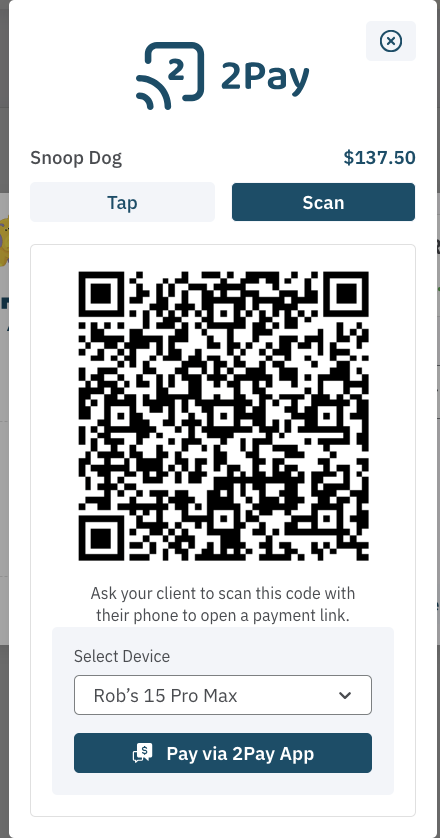
Make it even easier for your clients by letting them scan a QR code displayed on your computer or 2Pay app. The QR code opens a secure payment page on their device, where they can choose their preferred payment method—Apple Pay, credit/debit card, Afterpay, and more! It’s quick, convenient, and completely contactless.
3. Send a Payment Request
Sometimes, your client might not be able to tap or scan, for example, if they’re booking over the phone and need to pay a deposit. No problem! With 2Hippo 2Pay, you can send a payment link by simpy paying using using the Client Account payment method. The client can then securely make their payment at their convenience, from any device they choose.
Learn about how to Setup and start using 2Pay in the next article!
Related Topics:
- Setup To Receive Card Payments
- Linking Your 2Hippo 2Pay Device to Cosmesoft
- Register for Tap to Pay with Apple.
- How to use 2Hippo 2Pay Tap to Pay to collect card payments
<— PREVIOUS ARTICLE | NEXT ARTICLE—>